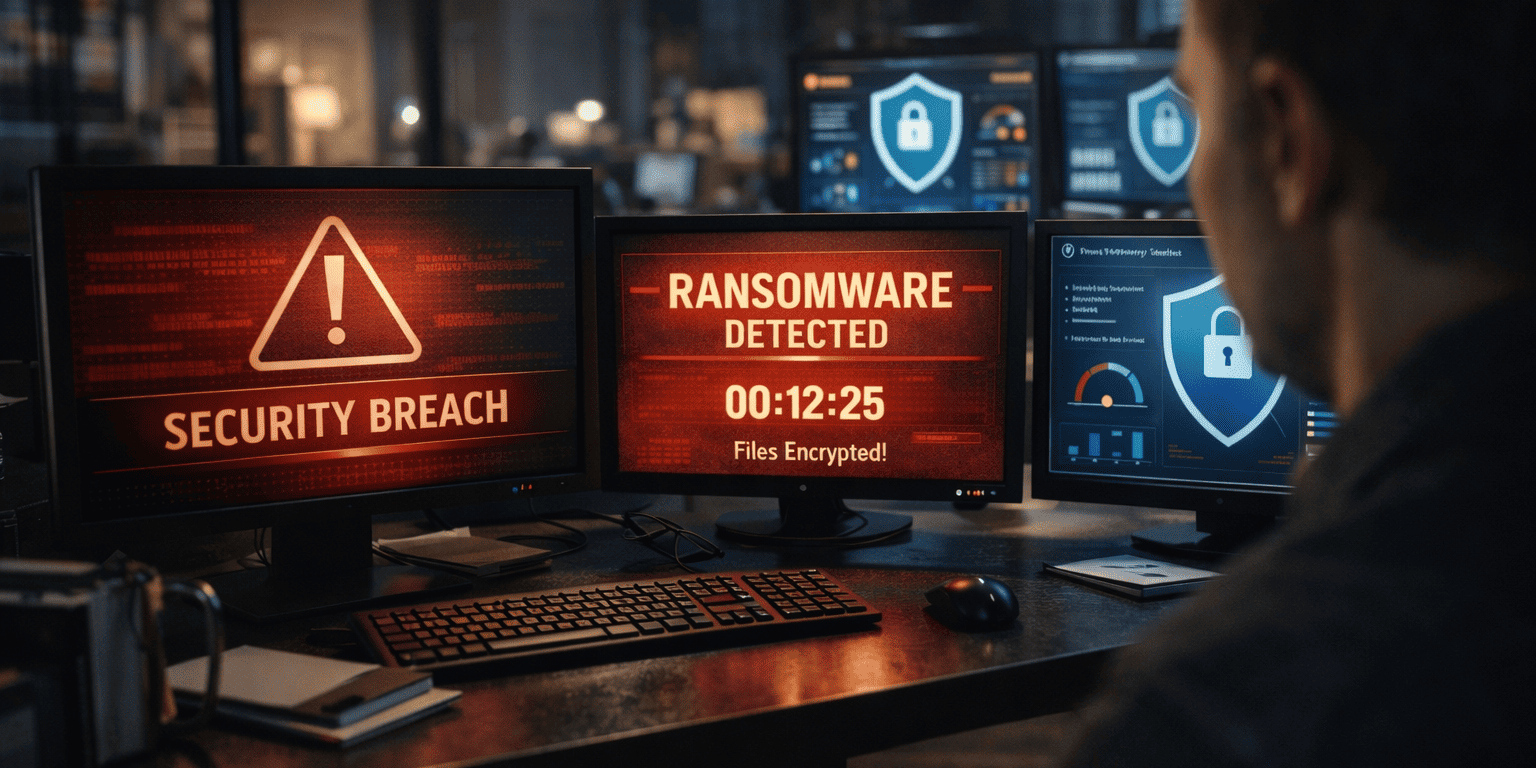

The New Reality of Hybrid Work Security
I’ve been working with Metro Atlanta businesses for years, and I’ve seen firsthand how the pandemic accelerated the shift to remote work. What started as a temporary solution has become the new normal for most companies. However, many business owners are still using the same security approach they had when everyone worked in the office.
Here’s the thing: traditional security models just don’t cut it anymore. When Sarah from accounting works from her kitchen table, and Mike from sales operates out of his home office, your business data is traveling across networks you don’t control. That’s a completely different security landscape than having everyone under one roof with a single, monitored network connection.
The statistics are eye-opening. Remote workers are three times more likely to experience a security incident compared to their office-based counterparts. Why? Because home networks typically lack enterprise-grade security, personal devices mix with work applications, and employees often work from public spaces with unsecured Wi-Fi.
But here’s the good news: with the right approach and a reliable partner, you can create a security framework that protects your business no matter where your team works. That’s exactly what your MSP checklist for securing hybrid and remote workforces is designed to accomplish.
Essential Security Assessment: Where to Start
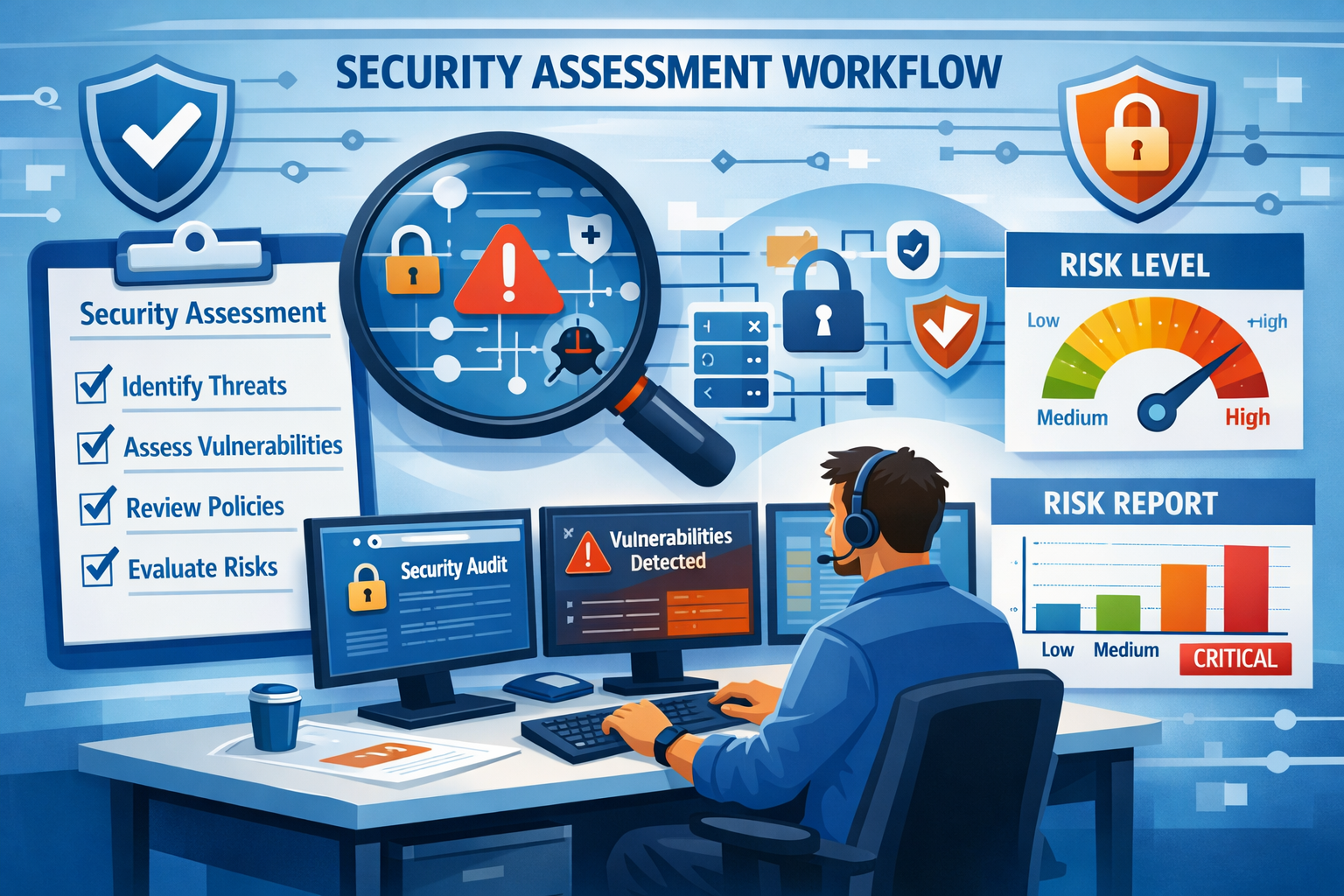
Before you can secure your hybrid workforce, you need to understand what you’re protecting and where the vulnerabilities exist. Think of this as taking inventory of your entire digital ecosystem, not just the obvious stuff like computers and servers, but everything that connects to your business network.
Mapping Your Digital Landscape
Start by identifying every device that accesses your business data. This includes company-owned laptops, personal smartphones with work email, tablets used for presentations, and even smart home devices that might be on the same network as work computers. I’ve seen cases where a compromised smart TV led to a business network breach because the employee was working on an unsecured home network.
Next, catalog all the applications and cloud services your team uses. This goes beyond your main business software to include file-sharing services, communication tools, project management platforms, and even browser extensions. Each of these represents a potential entry point for cybercriminals.
Network Vulnerability Assessment
Your assessment should examine how data flows between different locations and systems. When someone works from home, their internet connection becomes part of their business infrastructure. That means you need to understand the security posture of every location where work happens.
Look for common vulnerabilities like outdated software, weak passwords, unsecured Wi-Fi networks, and devices without proper antivirus protection. Many businesses are surprised to discover that their biggest security gaps aren’t in their main office; they’re in the home offices of trusted employees.
Risk Prioritization
Not all vulnerabilities carry the same risk. Focus first on issues that could lead to data breaches, system downtime, or compliance violations. For example, an unprotected laptop containing customer financial data poses a much higher risk than an outdated printer driver.
Create a priority matrix that considers both the likelihood of a security incident and its potential impact on your business. This helps you allocate resources effectively and tackle the most critical issues first. Remember, you don’t have to fix everything at once, but you do need a clear plan for addressing each identified risk.
Endpoint Protection and Network Security
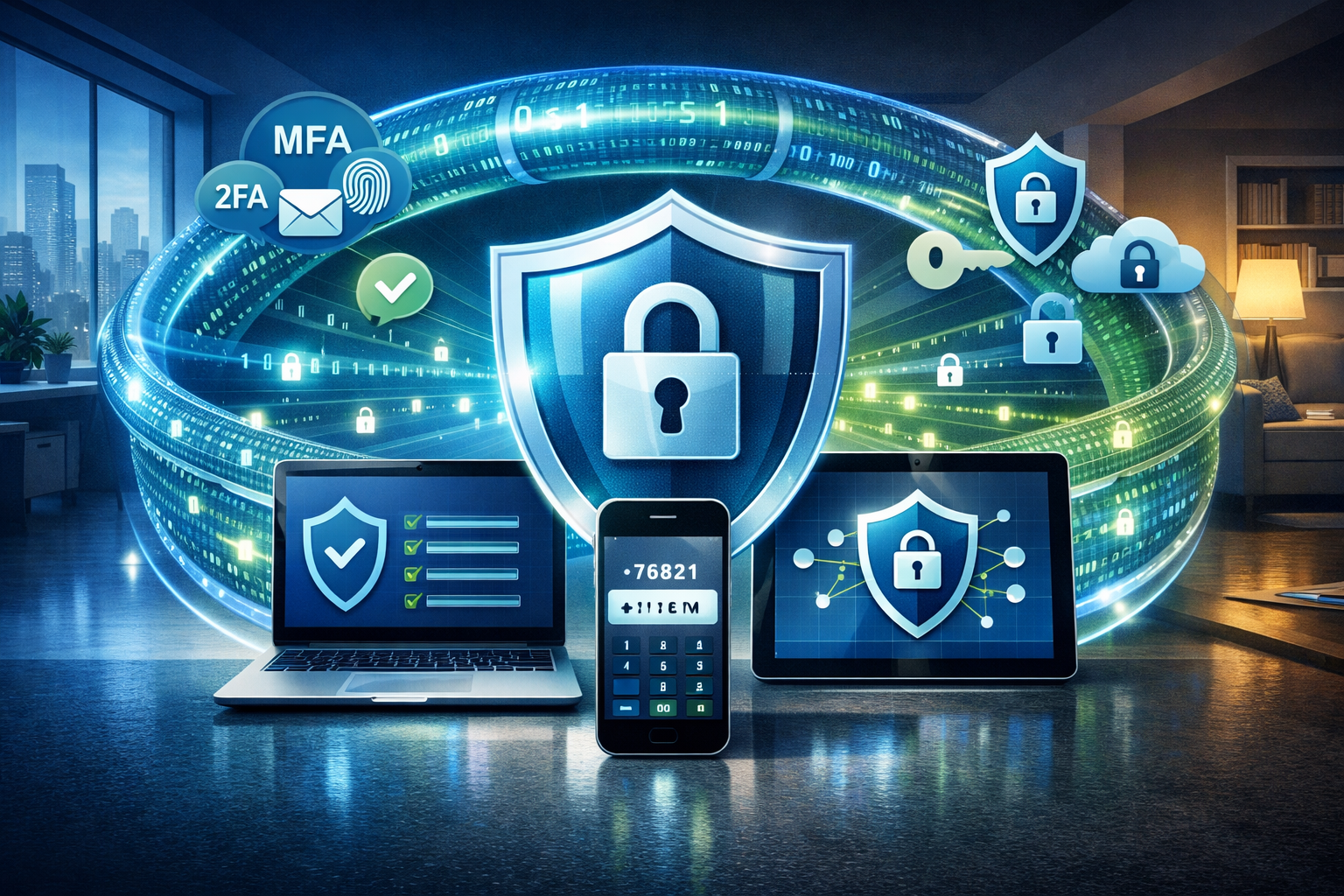
Once you understand your security landscape, the next step in your MSP checklist for securing hybrid and remote workforces focuses on protecting individual devices and securing network connections. This is where many businesses struggle because they’re dealing with a mix of company-owned and personal devices accessing business resources from various locations.
Comprehensive Endpoint Protection
Every device that accesses your business data needs robust protection, regardless of who owns it or where it’s located. This means deploying enterprise-grade antivirus software that goes beyond basic virus scanning to include real-time threat detection, behavioral analysis, and automatic updates.
Modern endpoint protection should also include device encryption, which ensures that data remains secure even if a laptop gets stolen from someone’s car or a smartphone is lost at the airport. I always tell my clients that encryption is like having a safe within a safe; even if someone gets physical access to the device, your business data remains protected.
Don’t forget about mobile device management (MDM) solutions. These tools allow you to maintain security policies across all devices, remotely wipe data if needed, and ensure that personal and business information remains separate on employee devices. This is particularly important for businesses that allow employees to use their own smartphones and tablets for work.
Secure Network Connections
Virtual Private Networks (VPNs) have become essential for remote work security, but not all VPNs are created equal. Consumer-grade VPN services that employees might use for personal browsing aren’t suitable for business use. You need enterprise-grade solutions that provide dedicated connections, strong encryption, and centralized management.
Consider implementing a Zero Trust network model, which operates on the principle that no user or device should be trusted by default, regardless of their location. This approach requires verification for every access request and continuously monitors for suspicious activity. While it might sound complex, modern Zero Trust solutions can actually simplify security management while providing better protection.
Network segmentation is another crucial element. This involves creating separate network zones for different types of users and data. For example, guest devices might have limited access to basic internet services, while employee devices can access business applications, and administrative accounts have broader system access. This way, if one part of your network is compromised, the damage doesn’t spread to everything else.
Regular Security Updates and Patch Management
Keeping software updated is one of the most effective ways to prevent security incidents, but it’s also one of the most overlooked aspects of remote work security. When employees work from various locations using different devices, ensuring consistent updates becomes much more challenging.
Implement automated patch management systems that can update software across all devices, regardless of location. This includes operating systems, business applications, browser plugins, and security software. The goal is to eliminate the human factor; updates should happen automatically without requiring employees to remember or take action.
Create policies for handling critical security updates that might require immediate attention. Sometimes a severe vulnerability is discovered that needs to be patched within hours rather than waiting for the next scheduled update cycle. Having a clear process for emergency updates can prevent a minor vulnerability from becoming a major security incident.
Identity and Access Management
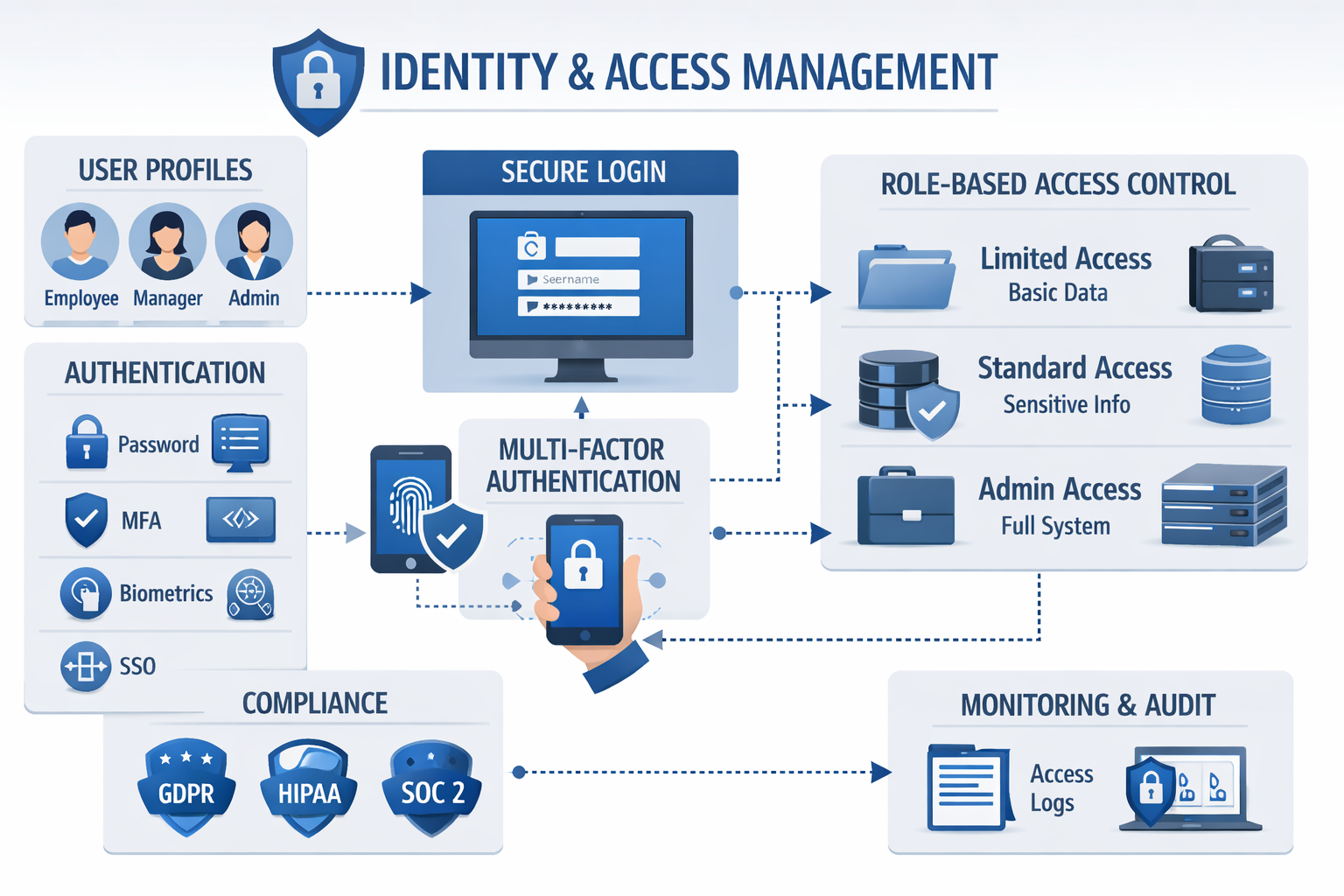
Managing who has access to what information becomes exponentially more complex in a hybrid work environment. Your MSP checklist for securing hybrid and remote workforces must include robust identity and access management (IAM) strategies that work seamlessly across all work locations and devices.
Multi-Factor Authentication Implementation
Passwords alone are no longer sufficient protection for business systems. Multi-factor authentication (MFA) adds additional layers of security by requiring something you know (password), something you have (smartphone or token), and sometimes something you are (fingerprint or facial recognition).
The key is implementing MFA in a way that enhances security without creating friction for employees. Modern MFA solutions can use push notifications to smartphones, biometric authentication, or hardware tokens. Choose methods that your team will actually use consistently rather than try to bypass.
Consider the user experience when designing your MFA strategy. If the process is too cumbersome, employees might look for workarounds that compromise security. The best MFA implementations are nearly invisible to users while providing strong protection against unauthorized access.
Role-Based Access Controls
Not everyone in your organization needs access to everything. Role-based access control (RBAC) ensures that employees can only access the information and systems necessary for their specific job functions. This principle of least privilege reduces the potential damage if an account is compromised.
Start by mapping out the different roles in your organization and determining what each role actually needs to access. You might discover that many employees have access to systems they never use or data they don’t need for their work. Removing unnecessary access reduces your attack surface and simplifies security management.
Implement dynamic access controls that can adjust permissions based on context. For example, an employee might have full access when connecting from the office network but require additional verification when accessing the same systems from a public Wi-Fi network. This contextual approach provides flexibility while maintaining security.
Single Sign-On Solutions
Single Sign-On (SSO) might seem counterintuitive for security, but it actually enhances protection while improving user experience. Instead of managing dozens of different passwords for various business applications, employees use one secure authentication process to access all their authorized systems.
SSO reduces password fatigue, which often leads to weak passwords or password reuse across multiple systems. It also provides centralized control over access. If an employee leaves the company or changes roles, you can update their access across all systems from one location.
Choose SSO solutions that integrate well with your existing business applications and provide detailed logging of access attempts. This visibility helps you identify unusual access patterns that might indicate a security threat or compromised account.
Monitoring and Incident Response
Having security measures in place is only half the battle. The other half is continuously monitoring for threats and having a solid plan for responding when something goes wrong. This is where many small and medium-sized businesses struggle because they lack the resources for round-the-clock security monitoring.
24/7 Security Monitoring
Cyber threats don’t follow business hours, and neither should your security monitoring. Automated monitoring systems can watch for suspicious activity across your entire network, including remote connections, cloud applications, and endpoint devices. These systems use artificial intelligence and machine learning to identify patterns that might indicate a security incident.
Look for monitoring solutions that provide real-time alerts for critical events while filtering out false positives that can overwhelm your team. The goal is to get immediate notification of genuine threats without creating alert fatigue that causes important warnings to be ignored.
Consider partnering with a managed security service provider that offers 24/7 monitoring as part of their service. This gives you access to security expertise and monitoring capabilities that would be expensive to maintain in-house, especially for smaller businesses.
Incident Response Planning
When a security incident occurs, the first few hours are critical. Having a well-defined incident response plan can mean the difference between a minor disruption and a major business crisis. Your plan should cover different types of incidents, from malware infections to data breaches to system outages.
Create clear procedures for common scenarios like suspected malware infections, unauthorized access attempts, or lost devices containing business data. Include step-by-step instructions that non-technical employees can follow, contact information for key personnel, and escalation procedures for serious incidents.
Practice your incident response plan regularly through tabletop exercises or simulated incidents. This helps identify gaps in your procedures and ensures that everyone knows their role when a real incident occurs. Remember, the middle of a crisis is not the time to figure out who should do what.
Data Backup and Recovery
Regular backups are your safety net when everything else fails. However, backing up data in a hybrid work environment requires careful planning to ensure that all critical information is protected, regardless of where it’s stored or created.
Implement automated backup solutions that can protect data across all locations and devices. This includes cloud-based applications, local file servers, and individual workstations. The key is ensuring that backups happen consistently without relying on employees to remember to save their work to specific locations.
Test your backup and recovery procedures regularly. Many businesses discover during an actual emergency that their backups are incomplete, corrupted, or take much longer to restore than expected. Regular testing helps identify and fix these issues before they become critical problems.
Consider implementing a 3-2-1 backup strategy: keep three copies of important data, store them on two different types of media, and keep one copy offsite. This approach protects against various types of disasters, from hardware failures to natural disasters to ransomware attacks.
Compliance and Ongoing Maintenance
The final component of your MSP checklist for securing hybrid and remote workforces involves maintaining compliance with relevant regulations and keeping your security measures current as threats evolve. This ongoing maintenance is crucial because security isn’t a one-time project; it’s an ongoing process.
Regulatory Compliance Management
Depending on your industry, you may need to comply with regulations like HIPAA for healthcare, PCI DSS for payment processing, or SOX for financial reporting. These regulations often have specific requirements for data protection, access controls, and audit trails that become more complex in a hybrid work environment.
Create documentation that demonstrates how your security measures meet regulatory requirements. This includes policies and procedures, employee training records, security assessments, and incident reports. Having this documentation organized and current makes compliance audits much less stressful.
Stay informed about regulatory changes that might affect your business. Compliance requirements evolve, and what was sufficient last year might not meet current standards. Regular compliance reviews help ensure that your security measures remain aligned with current regulations.
Employee Training and Awareness
Your employees are both your greatest asset and your biggest security risk. Regular security training helps them recognize threats, follow security procedures, and make good decisions when faced with unfamiliar situations.
Develop training programs that address the specific challenges of hybrid work, such as securing home office environments, recognizing phishing attempts, and properly handling sensitive data outside the office. Make the training relevant to employees’ actual work situations rather than generic security concepts.
Consider implementing simulated phishing campaigns to test employee awareness and provide targeted training for those who need additional help. These simulations should be educational rather than punitive. The goal is to help employees learn, not to catch them making mistakes.
Regular Security Reviews and Updates
Schedule regular reviews of your entire security framework to identify areas for improvement and ensure that your measures remain effective against current threats. This should include reviewing access controls, updating security policies, and assessing new technologies or business processes.
Stay informed about emerging threats and security best practices. The cybersecurity landscape changes rapidly, and new threats emerge regularly. What worked last year might not be sufficient against this year’s attack methods.
Plan for technology refresh cycles that keep your security tools current and effective. This includes updating software, replacing aging hardware, and evaluating new security solutions that might better serve your business needs.
Conclusion: Building Your Secure Hybrid Future
Securing a hybrid and remote workforce doesn’t have to be overwhelming. By following your MSP checklist for securing hybrid and remote workforces, you’re taking a systematic approach that addresses the most critical security challenges facing modern businesses.
Remember, security isn’t a destination; it’s an ongoing journey. The threat landscape continues to evolve, and your security measures need to evolve with it. The good news is that with the right foundation in place, maintaining and improving your security posture becomes much more manageable.
The key is to start with a comprehensive assessment, implement the essential protections we’ve discussed, and partner with experienced professionals who understand the unique challenges of hybrid work environments. You don’t have to navigate this alone.
Your Next Steps
- Conduct a security assessment using the interactive checklist above to identify your current gaps
- Prioritize critical vulnerabilities that pose the highest risk to your business operations
- Implement foundational protections like MFA, endpoint security, and secure network connections
- Establish monitoring and response procedures to detect and address threats quickly
- Create ongoing maintenance schedules for updates, training, and compliance reviews
The businesses that thrive in our hybrid work world are those that take proactive steps to secure their operations. Don’t wait for a security incident to force your hand. Take action now to protect your business, your employees, and your customers.
Ready to Secure Your Business with Confidence?
Stop worrying about security gaps and start focusing on growing your business. Our team provides industry expertise, same-day support, and 24/7 monitoring to keep your hybrid workforce secure and compliant. With straightforward pricing and personalized service, we’ll help you implement these security measures without the IT headaches.
Contact AlphaCIS today for your complimentary security consultation and discover how we can become your trusted partner in creating a secure, productive hybrid work environment.