

Quick Answer
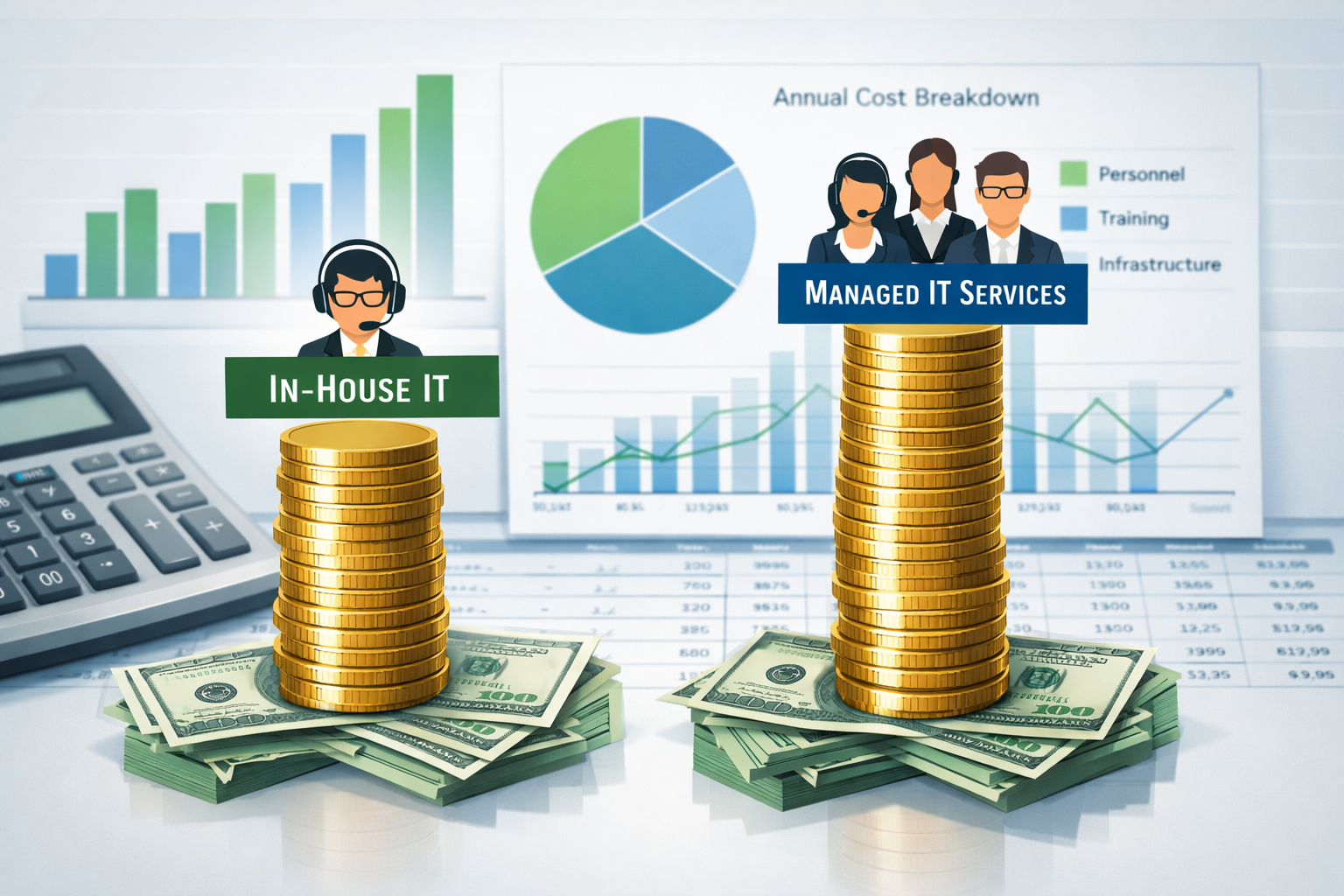
For most small businesses with 10-150 employees, managed IT services provide better value than in-house IT staff. You get access to a full team of specialists, 24/7 monitoring, and predictable costs starting around $100-200 per employee per month. In-house IT makes sense only if you need constant on-site presence, have highly specialized requirements, or can afford multiple full-time IT professionals.
When I started working with small businesses in the Metro Atlanta area, I noticed the same conversation happening over and over. Business owners would tell me about their IT frustrations, unexpected costs, constant downtime, and that nagging worry about whether their systems were actually secure. The question always came down to this: should they hire someone full-time or work with a managed IT provider?
The managed IT services vs in-house IT decision isn’t just about technology. It’s about finding the right balance of expertise, cost, and peace of mind that lets you focus on growing your business instead of troubleshooting computer problems.
What Is In-House IT and When Does It Make Sense?
In-house IT means hiring full-time employees to handle your technology needs directly. These team members work exclusively for your company, sitting in your office, and managing everything from password resets to server maintenance.
This approach works best for larger companies with complex, specialized systems or strict compliance requirements. If you’re running a manufacturing operation with custom software, handling sensitive financial data that requires constant oversight, or managing a team of 200+ employees, having dedicated IT staff on-site might be necessary.
Choose in-house IT if you:
- Need someone physically present during all business hours
- Have highly specialized or custom systems
- Require immediate response times for critical operations
- Have the budget for multiple IT professionals (not just one person)
- Handle extremely sensitive data with strict compliance requirements
The biggest mistake I see? Hiring just one IT person and expecting them to handle everything. That’s like asking your accountant to also be your lawyer and marketing manager. It rarely ends well.
What Are Managed IT Services and How Do They Work?
Managed IT services means partnering with an external company that handles your technology needs remotely and on-site as needed. Instead of one employee, you get access to an entire team of specialists, including network engineers, cybersecurity experts, help desk technicians, and system administrators.
Your managed service provider monitors your systems around the clock, fixes problems before they cause downtime, and provides same-day support when issues arise. Think of it as having a whole IT department without the overhead of hiring, training, and managing multiple employees.
Managed services typically include:
- 24/7 network monitoring and maintenance
- Help desk support for your team
- Cybersecurity protection and compliance
- Data backup and disaster recovery
- Software updates and patch management
- Strategic IT planning and consulting
The key difference is proactive vs. reactive support. Instead of waiting for something to break, managed IT providers work to prevent problems before they impact your business.
Managed IT Services vs In-House IT: The Real Cost Breakdown
Let’s talk numbers. The cost comparison between managed IT services vs in-house IT often surprises business owners because the hidden expenses of hiring full-time staff add up quickly.
In-House IT Costs (Annual):
- Salary: $45,000 – $65,000
- Benefits (health, retirement, etc.): $12,000 – $18,000
- Training and certifications: $3,000 – $5,000
- Software licenses and tools: $2,000 – $4,000
- Recruitment and onboarding: $5,000 – $8,000
- Total: $67,000 – $100,000 per year
Managed IT Services Costs (Annual):
- Monthly service fee: $100 – $200 per user
- For 25 employees: $30,000 – $60,000 per year
- For 50 employees: $60,000 – $120,000 per year
Here’s what most business owners miss: that one IT person you hire needs vacation time, sick days, and eventually, they’ll leave for another job. When that happens, you’re stuck without IT support while you spend months finding and training a replacement.
With managed services, you get consistent support regardless of individual employee changes. Plus, you’re not paying for downtime, training, or the inevitable learning curve that comes with new hires.
Expertise and Skills: Why One Person Can’t Do Everything
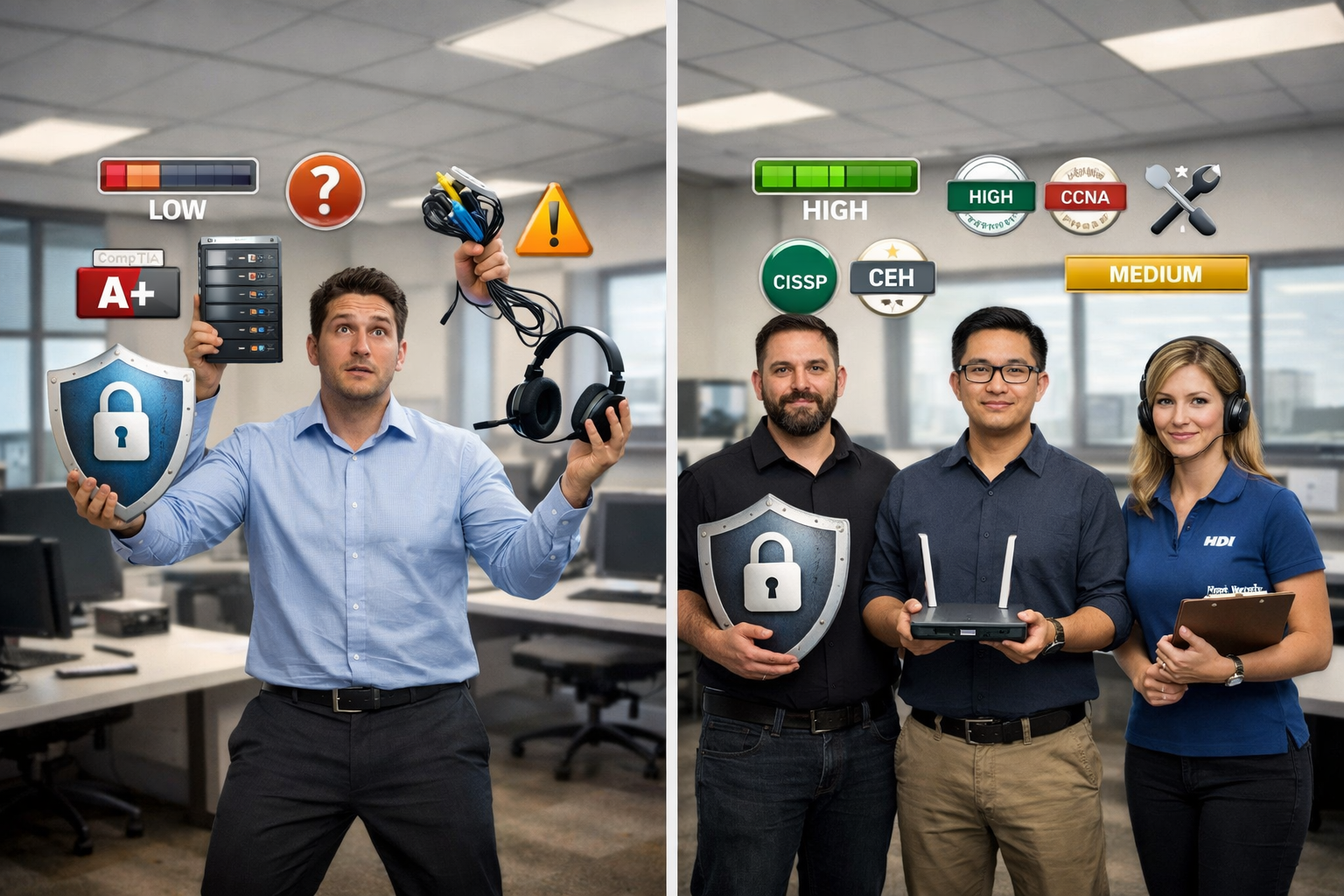
The managed IT services vs in-house IT expertise gap is probably the most important factor to consider. Technology has become incredibly complex, and expecting one person to master everything from cybersecurity to cloud management is unrealistic.
What one IT person typically handles well:
- Basic troubleshooting and help desk support
- Simple network maintenance
- Software installations and updates
- User account management
What requires specialized expertise:
- Advanced cybersecurity and threat detection
- Cloud infrastructure design and management
- Compliance requirements (HIPAA, PCI, etc.)
- Disaster recovery planning
- Strategic technology planning
I’ve seen too many small businesses suffer because their single IT person didn’t have cybersecurity expertise. When ransomware hits or a compliance audit happens, that knowledge gap becomes extremely expensive.
Managed IT providers maintain teams of specialists because no single person can stay current on every aspect of modern technology. When you need a cybersecurity expert, network engineer, or compliance specialist, they’re already on the team.
Security and Monitoring: 24/7 Protection vs Business Hours Coverage
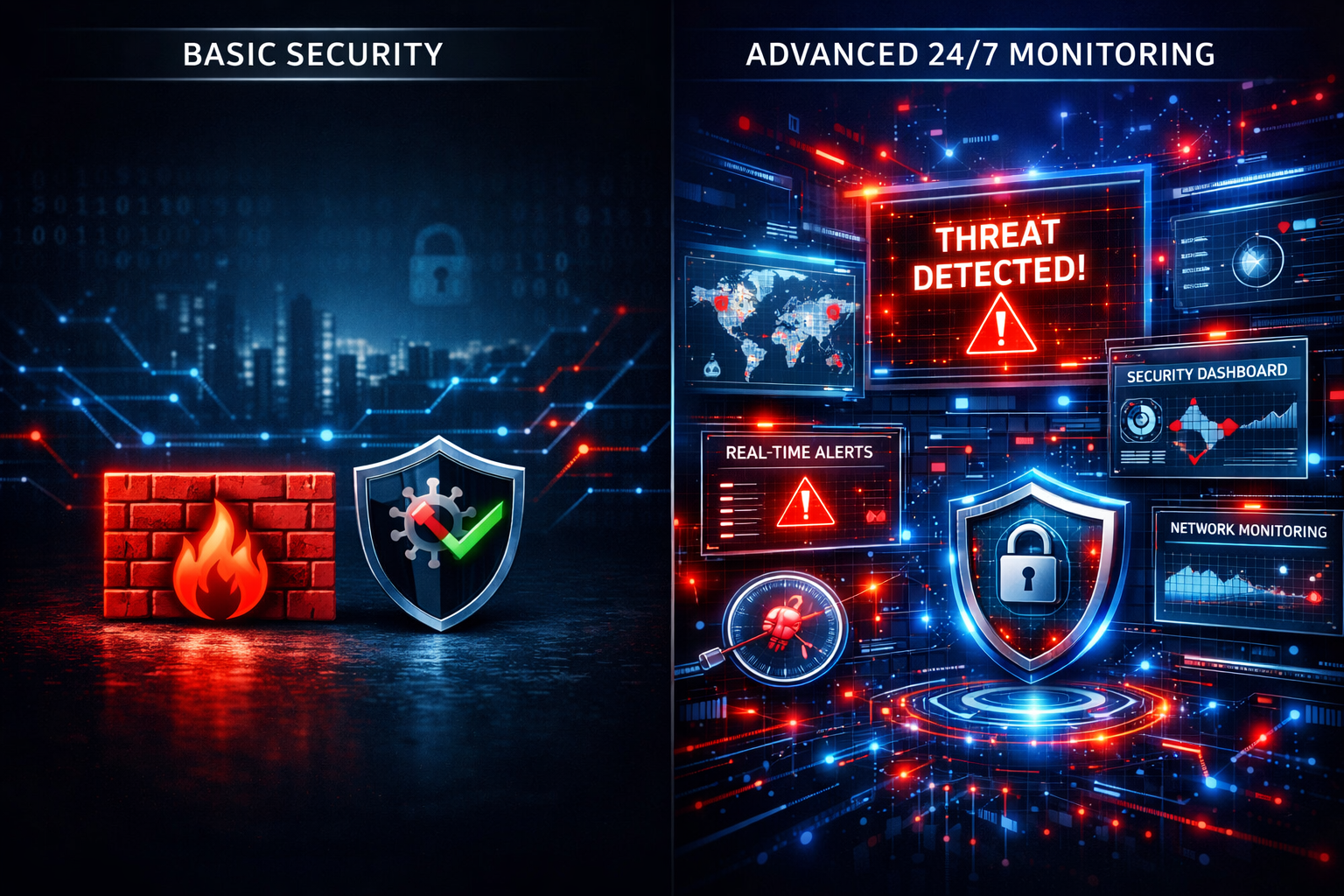
Security represents one of the biggest differences in the managed IT services vs in-house IT comparison. Cyber threats don’t take nights and weekends off, but your in-house IT person does.
In-House IT Security Limitations:
- Monitoring only during business hours
- Reactive response to security incidents
- Limited expertise in threat detection
- Delayed response to after-hours attacks
- Single point of failure for security knowledge
Managed IT Security Advantages:
- Round-the-clock monitoring and threat detection
- Immediate response to security incidents
- Specialized cybersecurity expertise
- Proactive threat hunting and prevention
- Multiple security specialists on the team
Real-world example: A dental practice I work with was targeted by ransomware at 2 AM on a Saturday. Because we provide 24/7 monitoring, our security team detected the attack within minutes and stopped it before it could encrypt their patient files. An in-house IT person wouldn’t have known about the attack until Monday morning; by then, it would have been too late.
The peace of mind that comes with knowing your systems are protected around the clock is invaluable, especially when you’re handling sensitive customer data or running critical business operations.
“We used to worry constantly about our IT systems. Now we focus on growing our business while AlphaCIS handles everything else. That peace of mind is worth every penny.” – Local Manufacturing Company Owner
Scalability: Growing Your Business Without IT Headaches
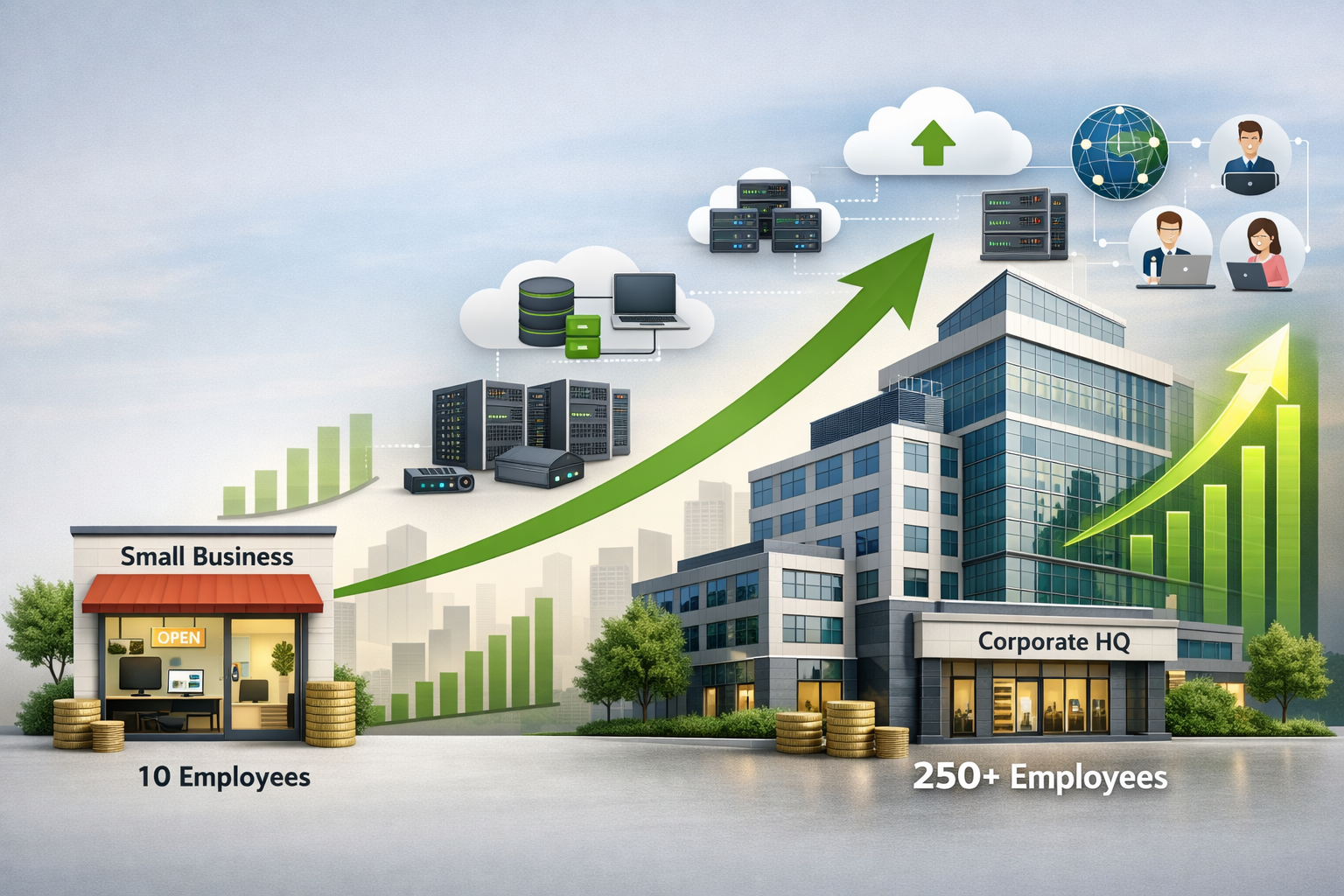
Business growth should be exciting, not stressful. But when your IT infrastructure can’t keep up with expansion, growth becomes a nightmare instead of a celebration.
In-House IT Scaling Challenges:
- Hiring additional IT staff takes 3-6 months
- Each new hire costs $67,000+ annually
- Knowledge gaps during transition periods
- Difficulty finding qualified local candidates
- Managing a growing IT team requires additional overhead
Managed IT Scaling Benefits:
- Immediate access to additional resources
- Predictable per-user pricing
- No hiring delays or training periods
- Expertise scales automatically with your needs
- Focus on business growth instead of IT management
When you’re ready to open a second location, add remote workers, or implement new software, managed IT providers can scale your infrastructure quickly. You don’t need to worry about whether your single IT person can handle the additional workload or if you need to start a lengthy hiring process.
The scalability factor alone makes managed services attractive for growing businesses. You can expand confidently knowing your IT infrastructure will keep pace with your ambitions.
When In-House IT Actually Makes Sense
Despite the advantages of managed services, some situations genuinely call for in-house IT staff. The key is understanding when the benefits justify the additional costs and limitations.
In-House IT works best when you:
- Have 100+ employees and can afford multiple IT professionals
- Run highly specialized or proprietary systems
- Need constant physical presence for manufacturing or industrial equipment
- Have regulatory requirements demanding on-site IT staff
- Operate in remote locations with limited internet connectivity
Industries that often benefit from in-house IT:
- Large manufacturing with custom automation systems
- Healthcare facilities with specialized medical equipment
- Financial institutions with strict regulatory oversight
- Research facilities with proprietary technology
The critical factor is having enough budget and workload to justify multiple IT professionals. One person can’t provide comprehensive coverage, expertise, and redundancy. If you can’t afford at least two full-time IT employees, managed services will likely serve you better.
The Hybrid Approach: Best of Both Worlds
Some businesses find success with a hybrid model that combines managed IT services with a part-time in-house coordinator. This approach can work well for companies that want some local presence while still accessing specialized expertise.
How the hybrid model works:
- Managed IT provider handles monitoring, security, and specialized tasks
- Part-time in-house person manages day-to-day user support
- Coordination between internal and external teams
- Reduced costs compared to full in-house IT
- Local presence for immediate hands-on needs
This approach works best for businesses with 50-150 employees that have some unique requirements but want to control costs. The in-house coordinator doesn’t need deep technical expertise – they focus on user support and coordination while the managed provider handles the complex technical work.
Decision Checklist: Choosing the Right IT Approach
Use this checklist to evaluate whether managed IT services vs in-house IT makes more sense for your business:
Consider Managed IT Services if:
- You have 10-150 employees
- Your annual IT budget is under $150,000
- You need 24/7 monitoring and support
- Cybersecurity is a major concern
- You want predictable monthly costs
- Your business is growing or planning to expand
- You don’t want to manage IT staff directly
- You need access to multiple IT specialties
Consider In-House IT if:
- You have 200+ employees
- You can budget $200,000+ annually for multiple IT staff
- You have highly specialized or proprietary systems
- Regulatory requirements demand an on-site IT presence
- You need immediate physical access to the equipment
- Your systems require constant hands-on management
- You have unique requirements that external providers can’t meet
Red flags for in-house IT:
- Planning to hire just one IT person
- Expecting that person to handle everything
- No backup plan when they’re unavailable
- Limited budget for training and tools
Most small and mid-sized businesses find that managed services provide better value, expertise, and peace of mind. The key is being honest about your actual needs versus what you think you need.
Making the Transition: What to Expect
Whether you’re moving from in-house IT to managed services or vice versa, the transition requires careful planning to avoid disruption.
Transitioning to Managed IT Services:
- Assessment phase: Complete network and security evaluation
- Planning: Develop transition timeline and communication plan
- Documentation: Transfer knowledge from existing IT staff
- Implementation: Gradual transition of responsibilities
- Training: User education on new support processes
- Optimization: Fine-tune services based on initial experience
Timeline: Most transitions take 30-60 days for full implementation, but basic services can start within days.
The biggest challenge is often cultural – helping your team adjust to working with an external provider instead of the familiar in-house person. Clear communication about the benefits and how to access support makes this transition smoother.
A reliable partner will handle most of the technical complexity while keeping you informed about progress. You shouldn’t experience significant downtime or disruption during a well-managed transition.
Conclusion
The managed IT services vs in-house IT decision ultimately comes down to your specific business needs, budget, and growth plans. For most small businesses with 10-150 employees, managed services provide better value through access to specialized expertise, 24/7 monitoring, predictable costs, and scalability that grows with your business.
In-house IT makes sense when you have the budget for multiple professionals and specific requirements that demand constant on-site presence. But hiring just one IT person and expecting comprehensive coverage is a recipe for frustration and security gaps.
The goal isn’t just solving today’s IT problems – it’s building a technology foundation that supports your business growth while providing the peace of mind that comes with reliable, professional support.
Next steps:
- Assess your current IT costs and pain points
- Evaluate your growth plans and technology needs
- Get quotes from reputable managed IT providers
- Compare total costs, not just monthly fees
- Ask about industry expertise and local support
Remember, the right IT approach should eliminate headaches, not create them. Whether you choose managed services, in-house staff, or a hybrid model, make sure it aligns with your business goals and provides the reliability your operations depend on.
Ready to explore how managed IT services could work for your business? A free consultation can help you understand your options without any sales pressure – just honest advice about what makes sense for your specific situation.